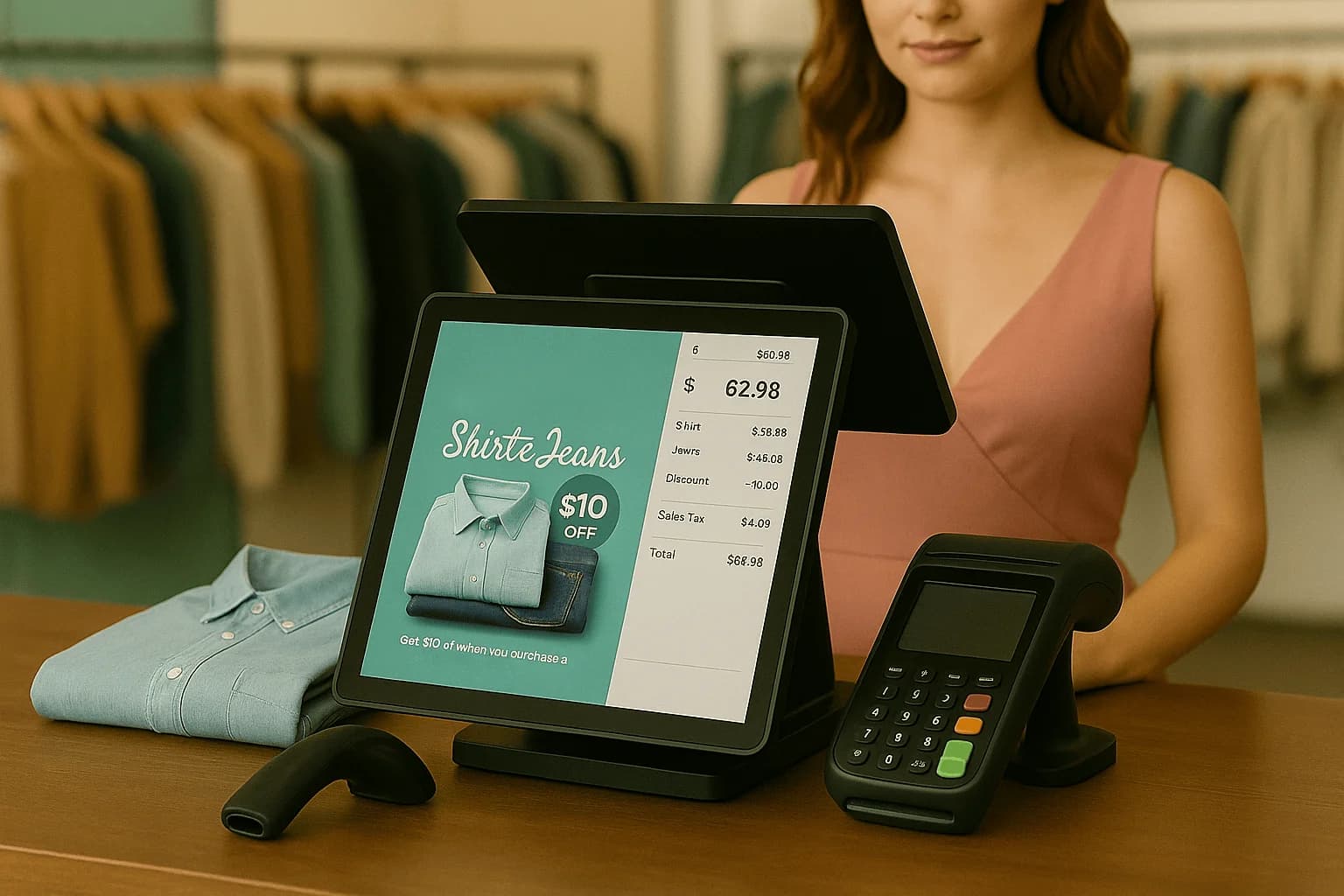
What a retail POS does today
Canadian store owners use a retail POS as far more than a cash register. It tracks inventory in real time, syncs online and in-store sales, manages multiple locations, runs gift and loyalty programs, and gives you reporting to see what sells. The payment terminal is just one part of a system that runs the whole store. See retail POS.
Start with how you choose
Picking a POS is about matching features to your reality. Our how to choose a retail POS guide walks through the decision, and matching POS to your retail niche covers apparel, grocery, and specialty needs. Before a demo, write one page: real-time on-hand, the hardware on the counter, staff permissions, and whether you sell in more than one place. Make the vendor ring a return, a gift card, and a payment that is not typed into a second pad. If a must-have becomes a later phase, leave that vendor off the shortlist.
Inventory and omnichannel
Inventory is where a POS earns its keep. Learn how the right features stop stockouts and how to sync store, website and pop-up so stock and pricing stay consistent everywhere you sell. The failure is a Saturday guest asking for the size the website listed that morning, while the associate checks a notebook because the count never made it back to the till. A web sale has to reduce the shelf before anyone promises the unit, and a floor sale has to take it off the site. A pop-up on paper will double-sell the same item by Monday.
Scaling and hardware
Growing chains run on one dashboard. See multi-location retail. When it comes to devices, picking POS hardware that grows with you and an integrated PIN pad keep lines fast. One store holding the last medium while another has a guest waiting should be a transfer you can see, not a phone call and a discount later. A boutique can start with a tablet and a pad that receives the total from the POS. A busier lane wants a scanner on day one. A pad that makes you re-type the amount is where the line stalls, and a scanner left in the box means staff search by name while on-hand drifts.
Revenue, speed and switching
Drive more sales with gift cards and loyalty and faster checkout lines. When you outgrow your current system, our true cost of switching and 30-day migration plan make the move painless. Book a demo to see it live. Sell a gift card and redeem another on the same till without leaving for a binder. Time a scanned, tapped basket against one where the total is typed into a second device. If you switch, start from a cleaned catalogue, on a quiet week, with one day where you ring real tickets in the new system before it is the drawer you trust.
A Saturday boutique from the shelf to the drawer
A Saturday boutique is a good test of whether the POS is a register or the store. A guest asks for the navy size that the website said was in stock this morning. The associate checks the shelf, the stockroom, and then a notebook because last week’s count never made it back to the till. Meanwhile nobody knows whether the loyalty balance works on this lane. On one retail POS, the sale, the count, and the loyalty lookup are the same checkout. Scan the item, see the on-hand drop, take the card on an integrated pad, and apply the reward without opening another app. End of day, the drawer, the sold units, and the gift-card liability are in one close. In-person payments are the last step, not a second machine you re-type into.
Holiday rush versus the Monday count
Holiday Saturday and a quiet Monday ask different questions of the same system. On the holiday rush you care about line speed, gift cards, and whether the size the website sold is still on the fixture. On Monday you care about what is left, what to reorder, and which store, if you have more than one, is sitting on product another location could use. A POS that only captured the tender leaves both days as guesswork. Use the Monday count to set the low-stock point before the next Saturday, and use gift cards and loyalty so December cards come back when the floor is quiet. If you also sell online or at a pop-up, those units have to leave the same on-hand number. The buyer’s path is in how to choose a retail POS.