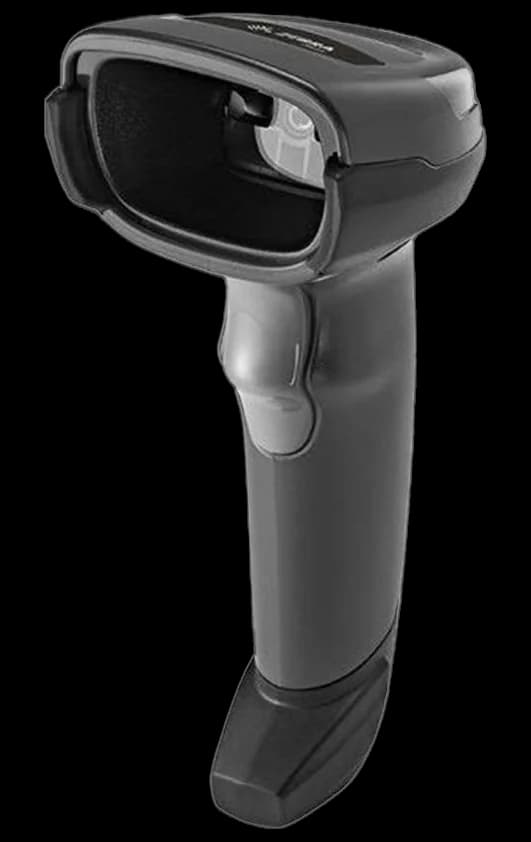
The core kit
- POS terminal or tablet: runs the software and the sale.
- Integrated PIN pad: takes payment with the total passed automatically. See PIN pad vs smart terminal.
- Barcode scanner: speeds ringing and keeps inventory accurate.
- Receipt printer and cash drawer: for printed receipts and cash handling.
Match hardware to store type
A boutique may need just a tablet and PIN pad. A grocery or big-box store needs multiple lanes with scanners, scales and fast integrated payments. Buy for where you're now, but choose a system that supports more lanes later.
Prioritize reliability and support
Checkout hardware must just work. Choose durable, well-supported devices and a provider who can replace failed units quickly. Downtime at the till is lost revenue.
Plan to scale
Modular hardware lets you add registers and locations without a rebuild. Pair it with a multi-location POS. Explore options on retail POS and in-person payments.