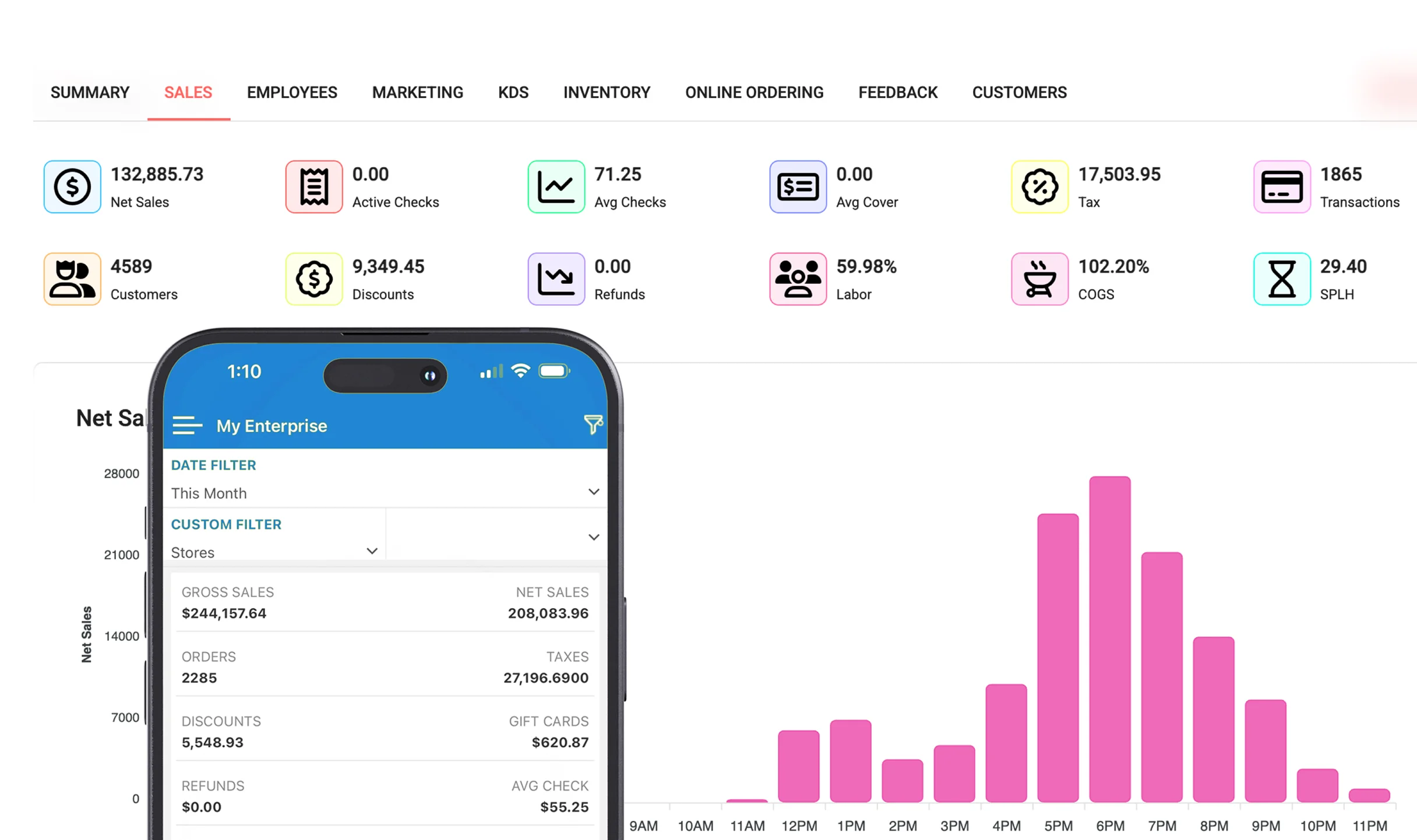
Centralized control
With a multi-location POS, head office sets pricing, promotions and product catalogues once and pushes them to every store. No more updating each register by hand or hoping a location got the memo.
Inventory across stores
See stock in every location at a glance, transfer between stores, and fulfil online orders from wherever the item sits. This reduces overstock in one store while another runs dry, and keeps capital working.
Compare performance fairly
Consolidated reporting lets you compare locations on sales, margin, staff productivity and best-sellers. You quickly spot which stores need attention and which tactics to copy across the chain.
Scale without friction
Adding a new location should be a setup, not a rebuild. A unified system makes growth repeatable. See how it works on retail POS or book a demo.