Week 1: Plan and clean your data
List your products, suppliers and customers, and clean up the data, fix duplicates, set categories, confirm prices. Clean data in equals a clean system out. Decide your go-live date during a slow period.
Week 2: Import and configure
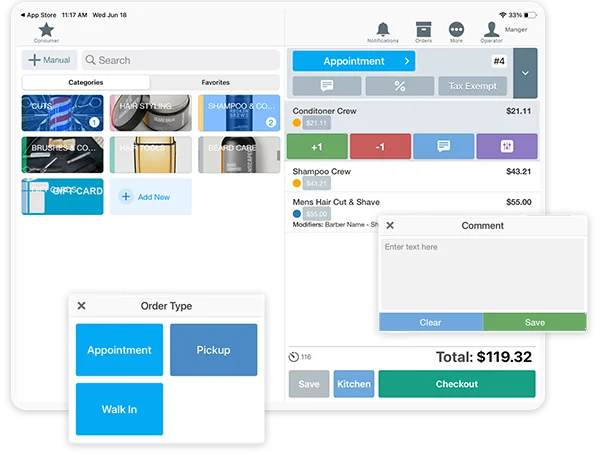
Import products, customers and gift card balances into the new POS, set tax rules, and build your categories and permissions. Armour Payments helps with data import so you aren't doing it alone.
Week 3: Hardware and training
Set up terminals, PIN pads, scanners and printers using the terminal setup checklist, then train staff on daily tasks: sales, refunds, returns and reports. Confident staff make go-live smooth.
Week 4: Parallel run and go live
Run the new system alongside the old for a few days, reconcile, then switch fully. See the true cost of switching for the bigger picture, and contact sales to schedule your migration.