Before you start
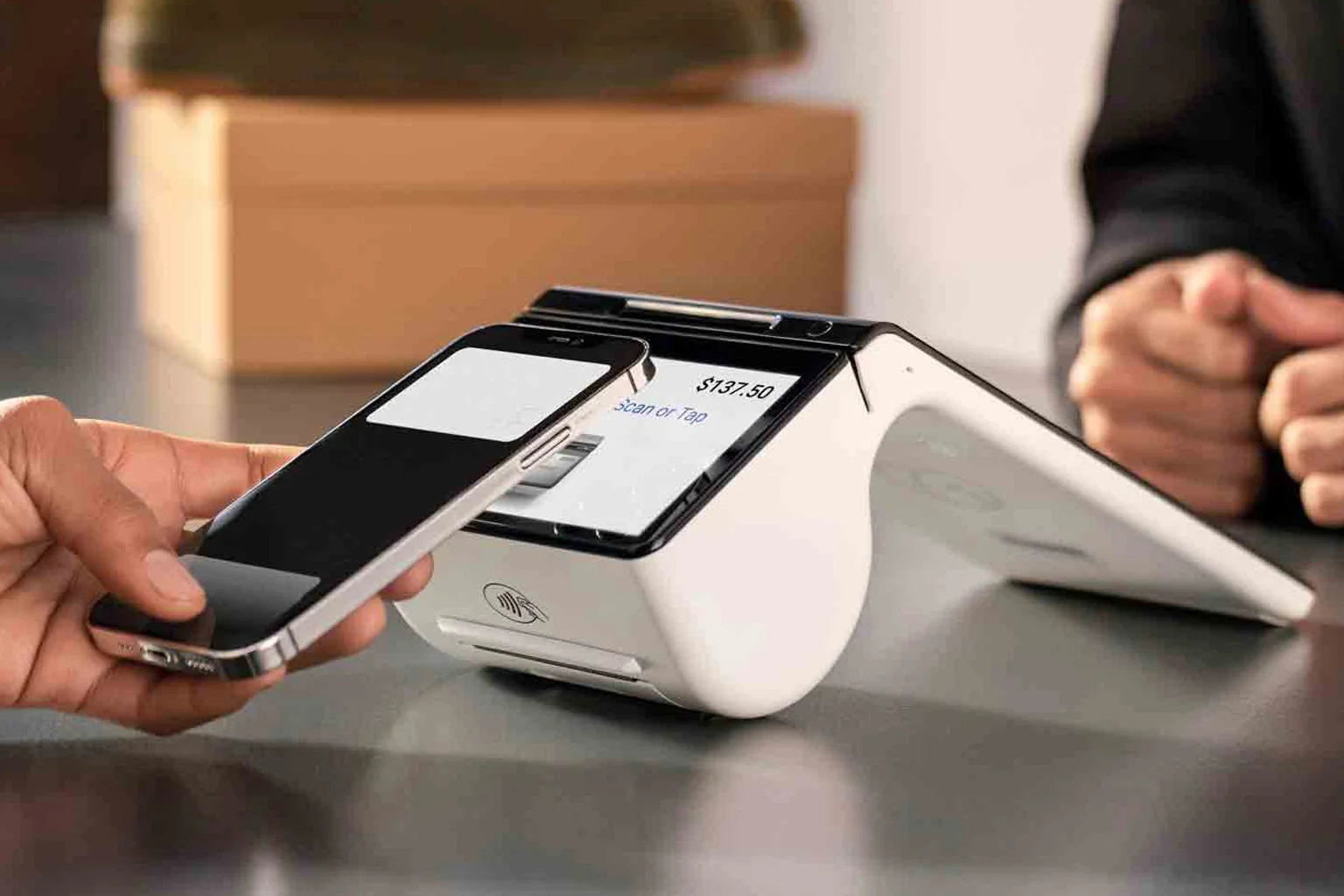
Have your merchant account details, the terminal, and a network connection ready. For wireless devices, confirm Wi-Fi credentials or that the SIM is active. Place the terminal where the customer can reach it comfortably.
The setup steps
- Connect power and network; wait for the device to come online.
- Sign in with your merchant credentials.
- Run a small test sale (then void or refund it).
- Confirm tap, chip and Interac debit each complete successfully.
- Set tip prompts, tax and receipt preferences (print, email, text).
- Settle a test batch to confirm funding is configured.
Train your staff in two minutes
Show staff how to start a sale, accept tap and chip, issue a refund, and reprint a receipt. That covers 99% of daily use. Keep a one-page cheat sheet by the till for the first week.
If something isn't working
Most issues are connectivity. Restart the device, recheck the network, and retry a test sale. Armour Payments support is available 24/7, and if you're switching from another provider, see how to switch payment terminals. Questions? Contact us.