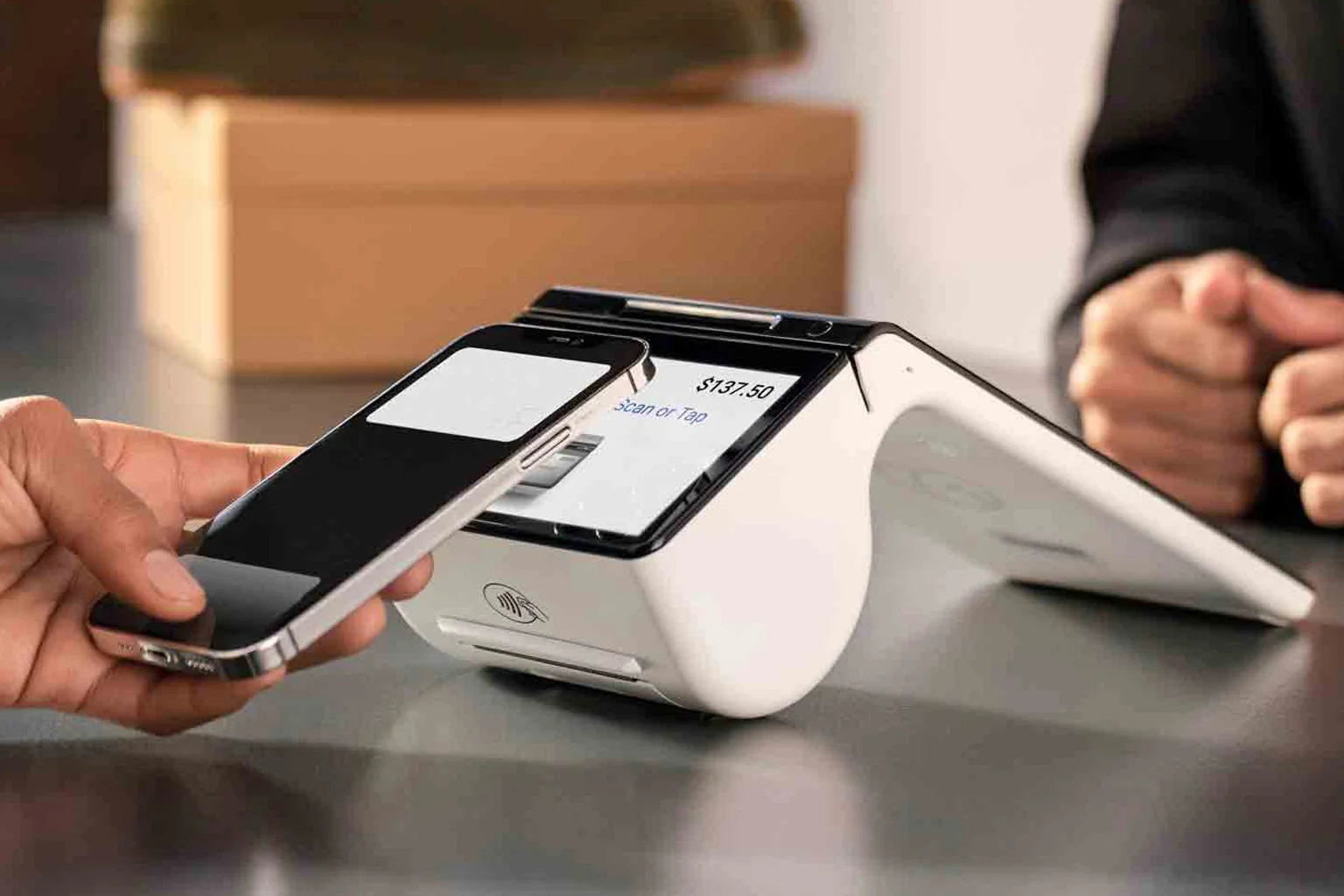
The five types of card terminals
Card terminals fall into five practical categories, and picking the right one starts with where you take payments. Wireless terminals run on Wi-Fi or cellular and go anywhere on the floor, the patio or a job site. Mobile terminals are pocket-sized smart devices for sellers on the move. Countertop terminals sit by the till and are ideal for fixed checkouts. Integrated PIN pads plug into a POS or till system so totals flow automatically. Unattended terminals live inside kiosks, vending machines and self-serve stations.
Most businesses only need one or two of these, but the wrong fit creates daily friction. A patio-heavy restaurant fighting with a tethered countertop unit, or a busy grocery lane without an integrated PIN pad, both lose time on every transaction. Browse the full lineup on our in-person payments page.
How to choose the right terminal
Start with three questions: Where do customers pay? Do you need the terminal to talk to a POS or till? And how important is portability?
- Fixed counter, standalone: a countertop terminal is simple and reliable.
- Tableside, curbside or mobile: choose a wireless or mobile terminal.
- Multi-lane retail with a POS: use an integrated PIN pad.
- 24/7 self-serve sales: an unattended kiosk terminal gets you paid without staff.
Once the type is clear, the brand and model matter far less than people assume. What matters is that it supports tap, chip, Interac and mobile wallets, and that it settles to your bank quickly.
What every modern terminal should support
In 2026, a terminal that can't accept contactless is leaving money on the counter. Confirm any device handles EMV chip, tap/contactless, Interac Debit, and mobile wallets like Apple Pay and Google Pay. Read the full breakdown in EMV chip, tap and Apple Pay.
Just as important is funding speed. Ask whether deposits land next business day, because cash flow beats almost every other feature. We explain the timelines in next-day deposits explained.
What a terminal really costs
The sticker price of the hardware is only part of the story. Your true cost combines the device (rent, lease or buy), processing rates, and a handful of monthly fees that are easy to miss.
We break the numbers down in the real cost of a credit card terminal in Canada, compare ownership models in rent, lease or buy, and expose the line items processors bury in hidden terminal fees. Armour Payments keeps pricing transparent. See our pricing.
Switching or setting up a terminal
Changing providers sounds risky, but a good processor migrates you without downtime. Our how to switch payment terminals guide walks through doing it without losing a sale, and the terminal setup checklist gets a new device live in about ten minutes.
When you're ready, book a demo or talk to sales and we'll recommend the exact terminal for how you actually sell.