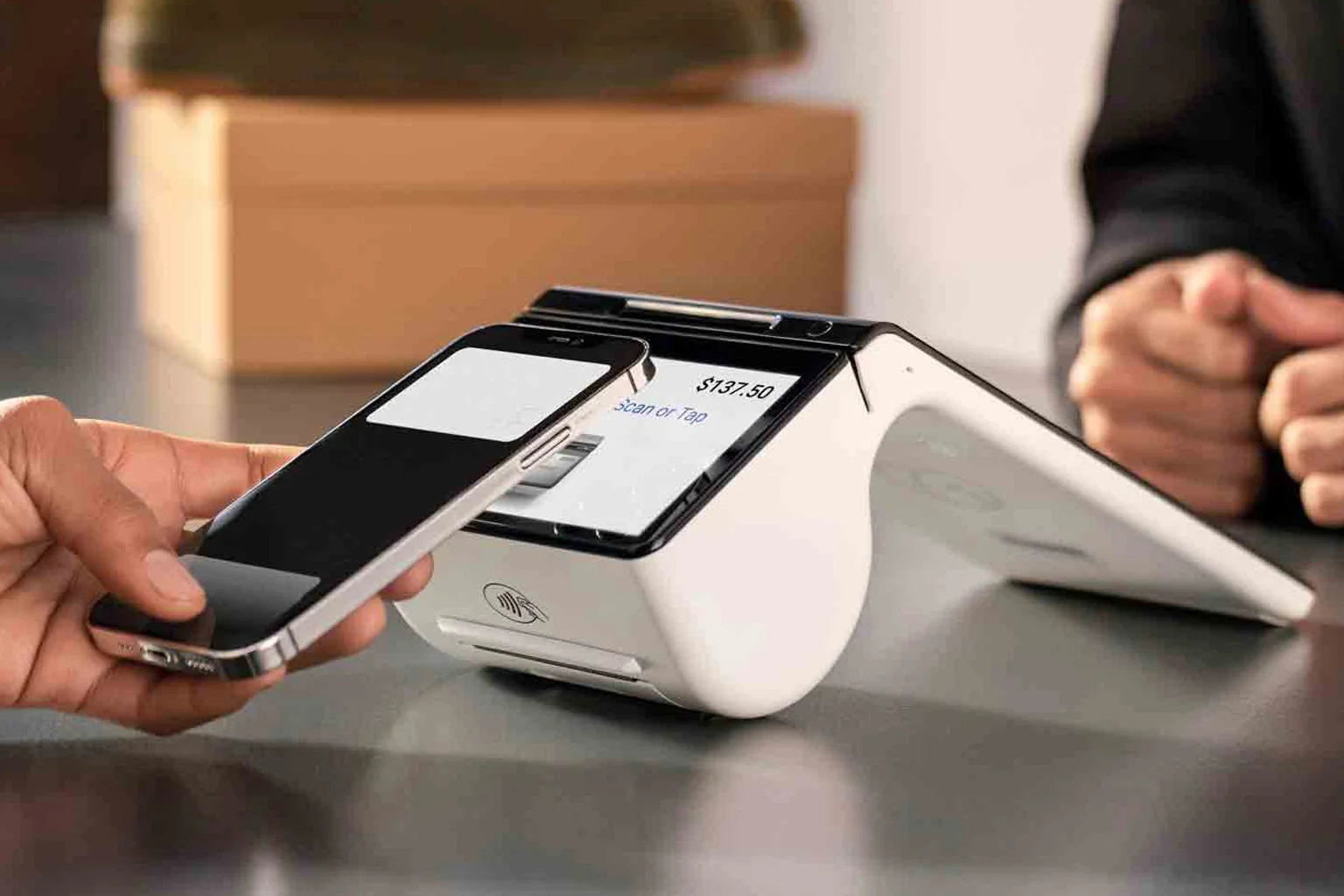
Countertop terminals: built for the till
Countertop terminals connect by ethernet or Wi-Fi and stay put next to your register. They're the most affordable, the most reliable, and the easiest to support, which is why fixed-location retailers and quick-service counters love them.
The trade-off is mobility: the customer has to come to the counter. If every sale happens at one spot, that's no trade-off at all. See countertop models on our in-person payments page.
Wireless terminals: payments anywhere on site
Wireless terminals run on Wi-Fi or 4G/LTE and roam across your floor, patio or parking lot. They're ideal for full-service restaurants doing pay-at-table, salons, and pop-up retail where the line forms wherever the customer is.
Battery life and signal are the things to check. A good wireless terminal lasts a full shift and falls back to cellular when Wi-Fi drops, so you never miss a sale.
Mobile terminals: a store in your pocket
Mobile smart terminals are compact Android devices that combine a card reader, receipt options and apps in one handheld. They suit market vendors, mobile services, and anyone who closes the sale in the field.
They overlap with wireless terminals but lean smaller and more app-driven. If you need a real-time menu, inventory or signature capture in hand, a mobile smart terminal is the pick.
Quick decision guide
- One fixed checkout, simplest setup: countertop.
- Tableside, curbside, or roaming a large floor: wireless.
- Selling on the go, app-first, pocketable: mobile.
Still unsure? The terminal type matters more than the brand. Compare full costs in the real cost of a credit card terminal or book a demo and we'll match a device to your workflow.