EMV chip: the security baseline
EMV chip cards create a one-time code for each sale and move fraud liability off merchants who read the chip. Every payment terminal on your list has to take chip, at a fixed till, on a patio, or in a work truck. When a card will not tap, staff insert it and enter a PIN when the issuer asks. Test that insert on the unit you will use and check the approval on the receipt. Chip has been standard in Canada for years. A live lane needs a slot that reads.
Tap and contactless: the speed default
Contactless is the speed default on a 2026 terminal. A tap-to-pay card or Interac Flash finishes while a chip insert is still waiting on a PIN. At a quick-service window, a market table, or a retail lane, tap is the method guests already reach for. Confirm the reader supports tap before you compare printers or screens. Turn contactless on, then run a debit tap and a credit tap on the unit the guest will reach. Phone wallets use that same reader, so a disabled tap setting blocks them too. Keep chip insert available for the card that will not tap.
Mobile wallets: Apple Pay and Google Pay
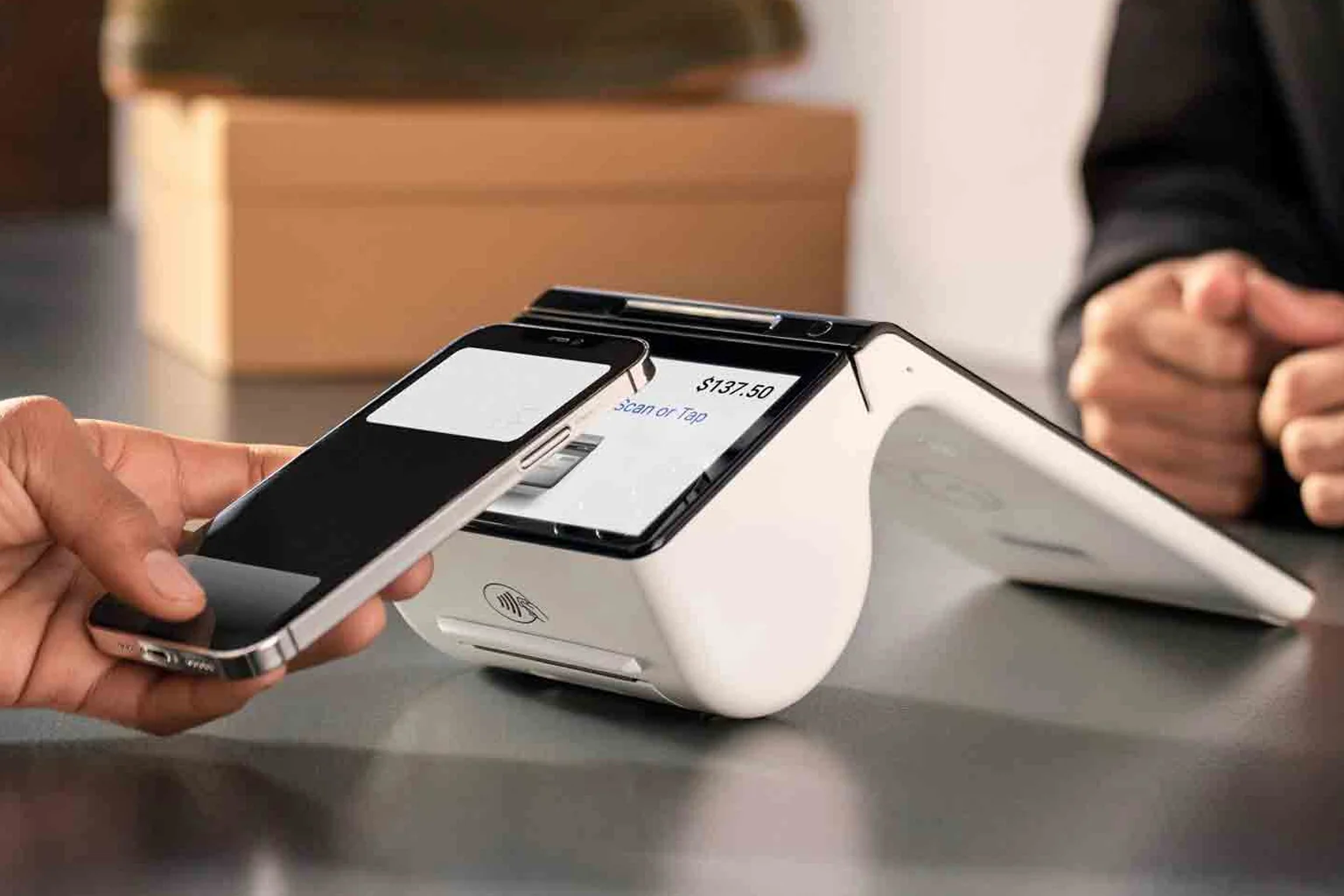
Apple Pay and Google Pay ride the same contactless rails as a tap card, so a terminal that already accepts tap generally accepts a phone wallet on that same reader. The phone sends a token, and the real card number stays off the receipt. Test one phone tap on the unit you will put on the counter. A contactless setting that is off blocks every wallet at once, even when chip insert still works. Hold the reader where the guest can reach it. If the wallet beep never comes, fix the setting before you open. Once that tap is tested, wallet support is already on the terminal.
Future-proofing your choice
Pick a terminal that already does chip, tap, Interac Debit, and mobile wallets, and test all four before the first rush. Armour Payments terminals support these by default, so the work is the test on the reader that will face the guest. Run one chip insert, one card tap, one phone tap, and one Interac sale. See the lineup on in-person payments or book a demo, and name the spot you sell from: a fixed till, a patio, or a service window. A reader that clears those four methods is the one you can keep when another phone wallet shows up at the counter.
Lunch rush when half the line still inserts
A lunch counter left contactless off so the lane would "stay simple." Every guest inserted and waited on a PIN. The line backed toward the door while the terminal sat on that pause. Turning tap on let most people tap a card or a phone and step aside. Insert stayed available for the card that would not tap. Staff did not need a new script. They needed EMV chip and tap both enabled before the rush, tested on a quiet Tuesday. If the device cannot tap, it is the wrong device for that counter. Check the readers on in-person payments, then run the payment-method tests in the terminal setup checklist before you open the lunch window.
Interac Flash at a quick-service window
At a quick-service window, Interac Flash is the payment you should see most often. The guest has a tray in one hand and a card or phone in the other, and a tap finishes while the next order is being called. Chip insert still has to work on that same terminal for the card that will not tap. Mobile wallets ride the same contactless reader, so a working Flash tap is also the Apple Pay and Google Pay path. Before the lunch open, run one debit tap, one credit tap, one phone tap, and one chip insert, and confirm the receipt names the counter. The readers are on in-person payments.