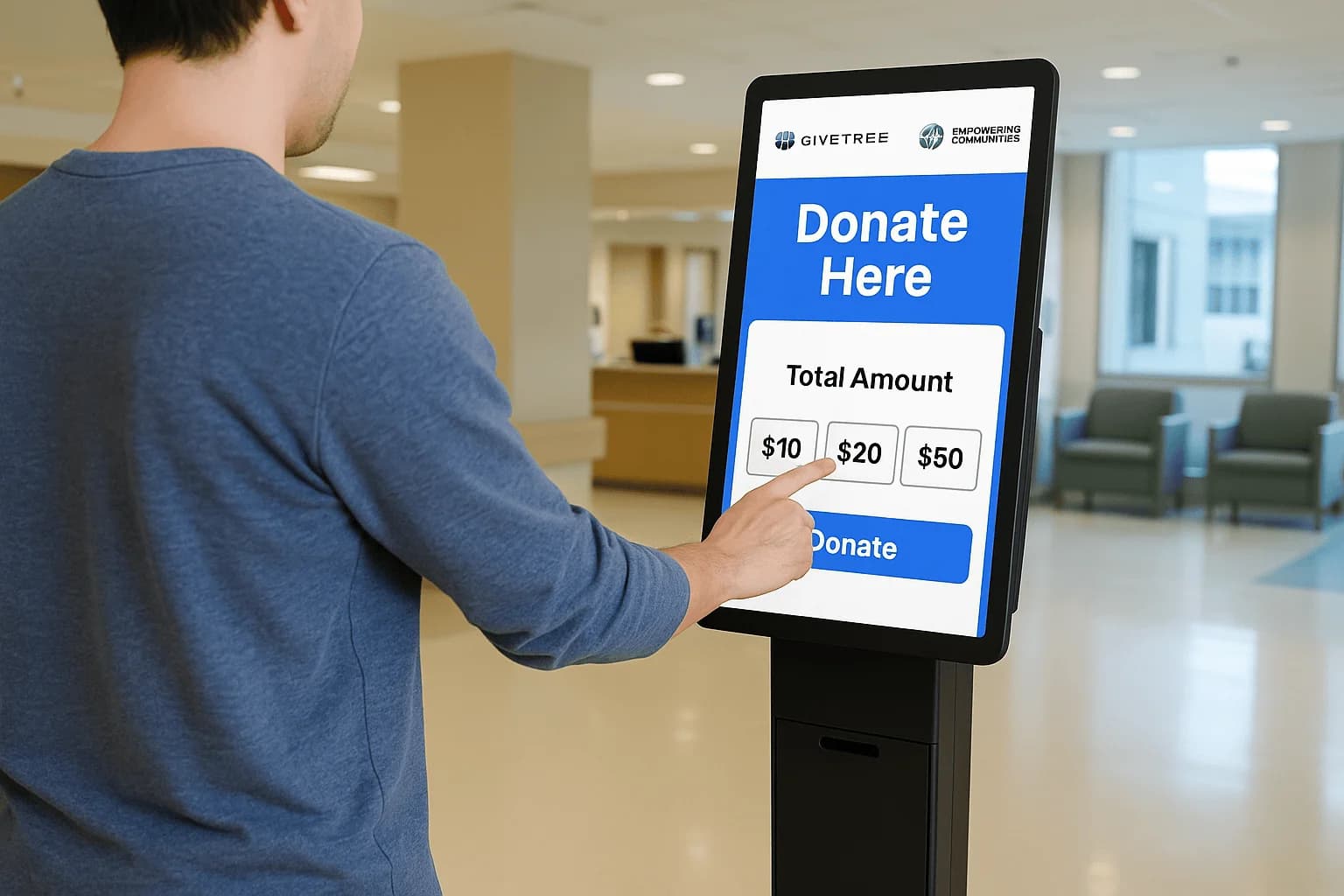
The manual receipt burden
Canadian charity and nonprofit directors and fundraisers send donation tax receipts from the gift record, and the organization still confirms that wording with its advisor. Issuing receipts by hand means pulling each gift from a kiosk slip, a web export, or a monthly report, then formatting it and emailing it. That work consumes staff time and invites errors, and it peaks at year-end when every donor expects a receipt. Names do not match across lists. Amounts get typed twice. A small charity feels this as a serious drain, because the same people who run the appeal are stuffing the receipt queue. The backlog means the receipt was never tied to the gift. A tool can email the text you stored on that gift, and your organization confirms the wording with its advisor.
How automation helps
A donation platform issues a receipt automatically right after each gift, whether it came from an online page or a kiosk. The email can include the amount, the date, and the organization details stored on that gift. Donors get instant confirmation instead of a slip that waits on a volunteer. Your records stay on the gift itself, so year-end is no longer a scramble to rebuild the list. The tool sends what you configured. Your organization confirms those details with its advisor. A kiosk gift and a web gift should produce the same kind of email, so donors are not waiting on two different processes.
Stay compliant
Receipts should include the details your jurisdiction expects, such as the amount, the date, and the organization information you intend to show. GiveTree by Armour Payments handles the send: it emails the receipt you configured from the gift record. The software does not decide whether that text is correct for your charity. Your organization confirms the wording with its advisor, ideally by sending a test gift and having the advisor read the email before a public appeal. See donations or book a demo to watch a test receipt go out and to check that a kiosk gift and a web gift use the same stored text.
December, and the slips still do not match
In the last week of December a volunteer is still matching kiosk slips to a spreadsheet so receipts can go out. Some gifts came from the gala, some from the online page, and the names do not line up. Send the receipt from the gift record when the gift is made, instead of rebuilding the list after the holidays.
The email can include the amount, the date, and the organization details you stored. That is what the tool does. Your advisor, not the software, confirms those details are what your charity should send. Staff can use December to thank people. A kiosk gift should produce the same kind of email as a web gift, so donors are not waiting on a different process.
A handwritten slip beside the automatic email
Lay a handwritten receipt beside the email a platform sends and the difference is when the donor actually receives it. The slip waits on a volunteer, a template, and a correct address. The email leaves when the gift is on the donor record, whether it came from a page or a kiosk. Both still depend on the fields you chose to store.
If email was optional, there is nothing to send. If the name on the receipt is wrong, the donor writes back in January. Configure the receipt once, send a test gift to yourself, and have your advisor read that test before the appeal. GiveTree can automate the send. The channel setup is on donations, and a demo is the right place to watch a test receipt go out.