Reduce friction
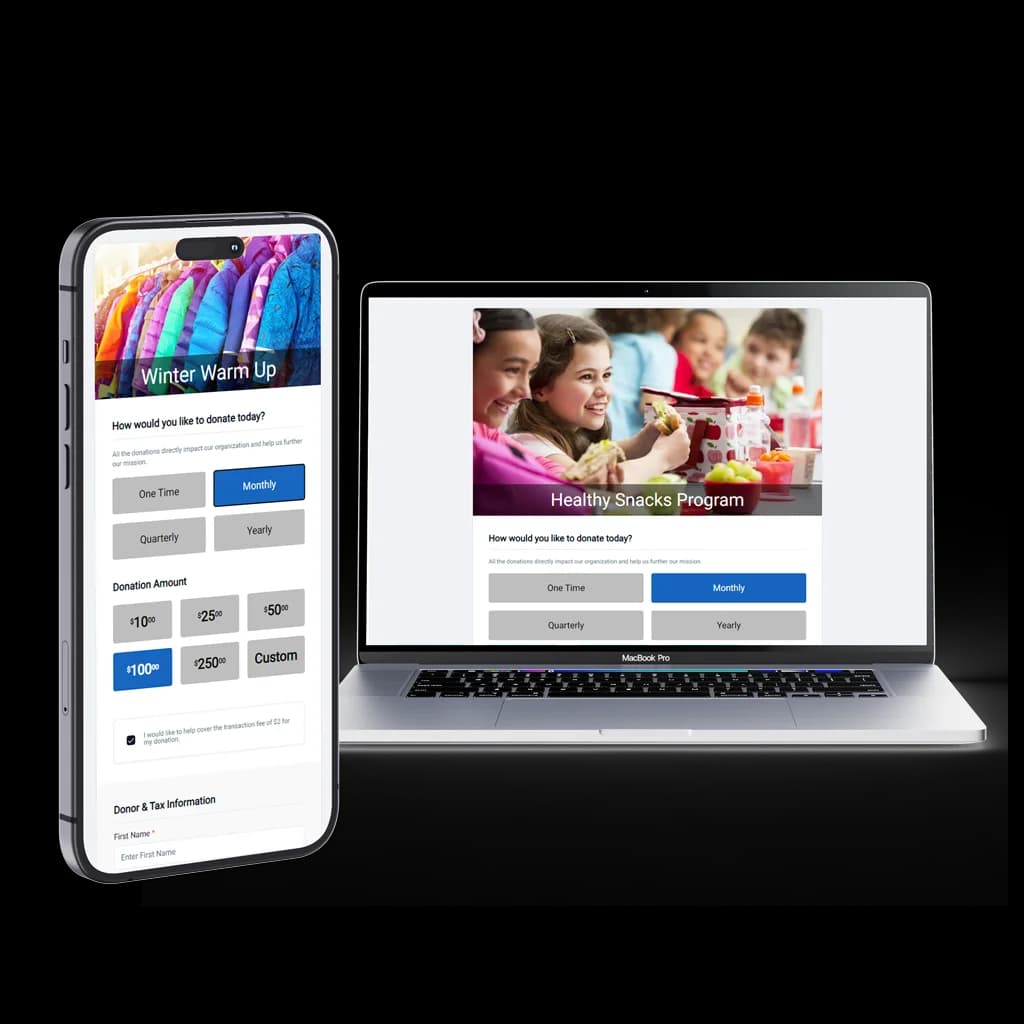
Canadian charity and nonprofit directors and fundraisers tighten online donation pages so a phone gift finishes before extra fields get in the way. Every extra field loses donors, especially on a phone after they have already decided to give. Ask for an amount, a monthly choice, and an email before you ask for a mailing address or how they heard about you. Offer suggested amounts that match gifts you already receive, support tap-to-pay wallets, and keep the form short and mobile-first. A long page that loads slowly on a weak connection will lose the person who tapped donate from a story. The same checkout principles that lift ecommerce conversion apply to donation pages: fewer steps between the decision and the completed gift.
Nudge toward recurring
Present a monthly option prominently, beside the one-time amount, not on a second page the donor has to discover. Many one-time donors will choose monthly if the ask is clear and the amounts are specific. A quiet checkbox under a long form does not do that job. Label the choice in plain language, such as a monthly gift at one of the suggested amounts, and show it where the thumb already rests. That single nudge can build your recurring giving base over time, because the next appeal starts from people who are already on the list instead of from zero.
Build trust
Show the impact of a gift in a sentence the donor can check against the appeal, such as what a stated amount supports in this campaign. Reassure with security cues near the button, and say that a tax receipt email will follow. Trust at the moment of giving is what gets the tap finished. The page should use your words for the impact line. The receipt itself is the text you stored, and your advisor confirms what that text is allowed to claim. The page should not invent a tax promise. See donations or book a demo to review the confirmation a donor actually receives.
The story ended and the form began
Someone on a phone taps donate after a story and lands on a form that asks for a mailing address, a phone number, and how they heard about you. They came to give. Keep the first screen to an amount, a monthly toggle, and an email. Suggested amounts should match gifts you already receive, not a wish list.
Put the recurring giving choice where the thumb already rests. The same extra-field problem shows up in checkout design. One sentence beside the button can say what the gift does, in your words. Say a receipt email will follow. Your advisor confirms what that receipt is allowed to claim. The page should not invent it.
The appeal is queued and nobody opened it on a phone
The appeal email is queued, and the only review so far happened on a laptop at the office. Open the page on a phone before it sends. Tap every suggested amount and the monthly option, then give once with a card and once with a wallet. Read the confirmation on that same phone.
Check that your impact line is specific to this appeal, and that the receipt sentence is the one your advisor already approved. Look at the link preview so a shared text does not look like a random payment demand. If donors are often on a weak connection, load the page that way once. When the list passes, put the link in the campaign you are about to launch and on donations.