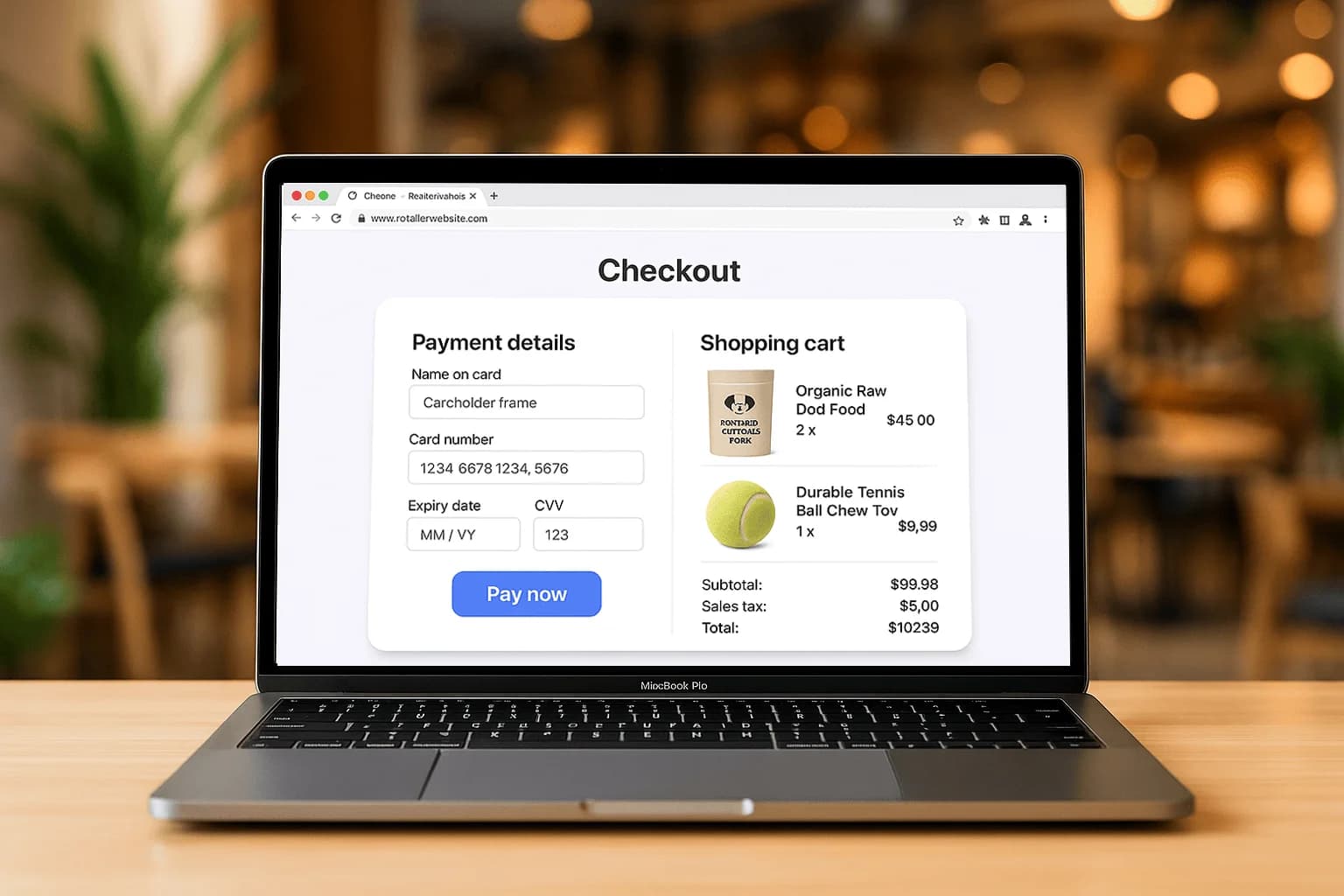
Fewer fields, more sales
Every field is a chance to lose the customer. Ask only for what you truly need, auto-fill address from postal code, and combine steps. Offer guest checkout, forcing account creation is one of the biggest causes of abandonment.
Make paying effortless
Support Apple Pay, Google Pay and saved cards so returning customers pay in one tap. A digital wallet button at the top of checkout can lift completion noticeably because it skips manual card entry entirely.
Be honest about cost early
Unexpected shipping or fees at the final step is the number-one reason carts are abandoned. Show the full price, taxes, shipping, any fees, as early as possible. No surprises means more completed orders.
Build trust at the moment of payment
Show security badges, a recognizable payment UI, and clear return/refund info near the pay button. Confidence at checkout converts. Connect a clean gateway using our integration guide, or explore online payments.