The five ways to get paid online
Canadian small-business owners taking online payments have five ways to get paid. A virtual terminal lets you key in a card from any browser, no website needed. Payment links send a secure pay-by-click URL. Hosted checkout drops a ready-made, PCI-light payment page onto your site. A gateway API gives developers full control of a custom checkout. And recurring billing charges customers automatically on a schedule.
Most businesses combine two or three. Explore the full toolkit on online payments.
No website? Start here
You don't need a developer or even a website to take cards online. A virtual terminal handles phone and mail orders: key the card while the customer is on the line, read the amount back, and email the receipt before you hang up. payment links collect payment by text or email when they would rather pay on their own phone. Use the terminal for a deposit you want finished on the call, and the link for an invoice you send after a quote. Both can be live the same day. That fits a studio, a trade deposit, or a booking with no storefront.
Building a real online checkout
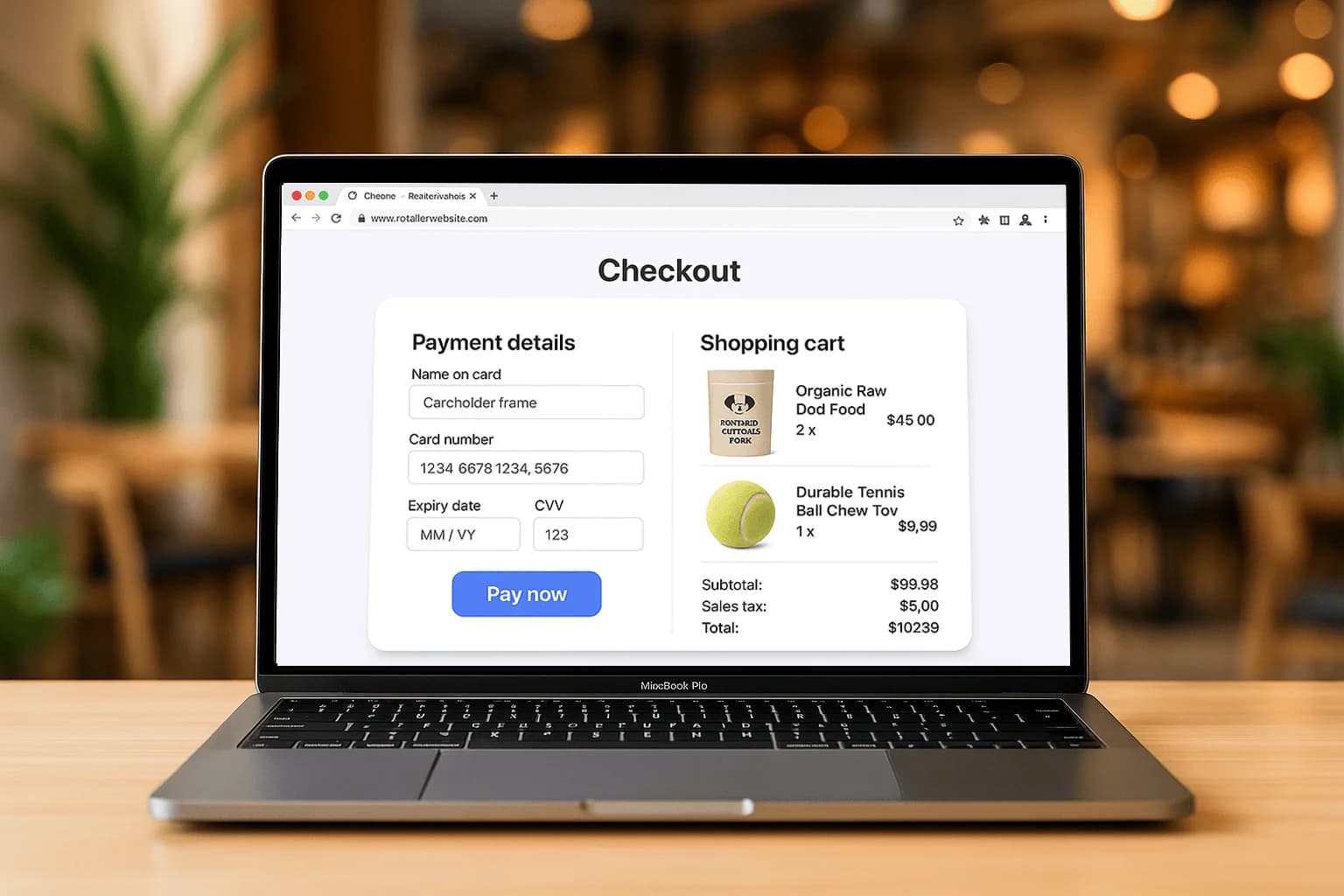
For an ecommerce store, connect a gateway through the platform you already run. Shopify, WooCommerce, and Magento each have an official path, so products, tax, and shipping stay in the store and card fields stay off your server. We cover that setup in connecting a payment gateway to Shopify, WooCommerce and Magento. The page still has to convert. Offer guest checkout, show shipping once you know the postal code, and put wallet buttons where a phone buyer can see them. Shape that page with the anatomy of a high-converting checkout. Connect the gateway first, then remove fields that do not help you ship the order.
Getting paid on a schedule
Subscriptions, memberships, retainers, and instalments all run on recurring payments. Store the card in a customer vault, choose the billing day, and let the charge run on its own. A membership that bills on the first needs that day and the statement name written down before the first automatic run. A single class deposit is a one-time charge. Add it to a schedule only after the guest agrees to come back every month. Turn on retries so an expired card does not sit unnoticed until the rent is due. With the schedule in place, the invoice goes out because the date arrived.
Staying secure and compliant
Online means card-not-present, which raises both fraud and compliance work on the same charge. Use address and CVV checks on phone orders, and add a stronger check when the amount or the ship-to address is unusual. Protect revenue with card-not-present fraud prevention. Keep card numbers off your server with hosted fields, then complete the annual questionnaire for that setup. The plain-language rules are in PCI compliance for small stores. Do both before you raise the ticket size. Ready to start? Talk to sales.
A deposit link before the booking is confirmed
A studio used to confirm a Saturday class by email and collect payment at the door. The no-show still held a spot on the list. Sending a payment link for the deposit when the guest picks the time, or keying the card in a virtual terminal while they are on the phone, takes the money before the calendar is blocked. Hosted checkout is the wrong tool when there is no store. Recurring billing is the wrong tool when this is a single seat. Pick the rail that matches the moment the guest says yes. The set of tools is on online payments. When the same guest comes back every month, move them to recurring payments after the first deposit has cleared and they have agreed to the schedule.
What to turn on before the first real charge
Write down the path the first real charge will take: a phone order, an emailed link, a store checkout, or a schedule. For a phone order, turn on AVS and CVV in the virtual terminal. For a link, the amount and the description have to match what you told the customer. For a store, use the official gateway plugin. For a schedule, the card belongs in a vault, not in a spreadsheet on the desktop. Card-not-present risk sits on all four paths. Read card-not-present fraud prevention before you raise ticket size. Talk to sales if you are about to mix in-person taps and online charges on one account and you do not yet know how the two payouts will be told apart.