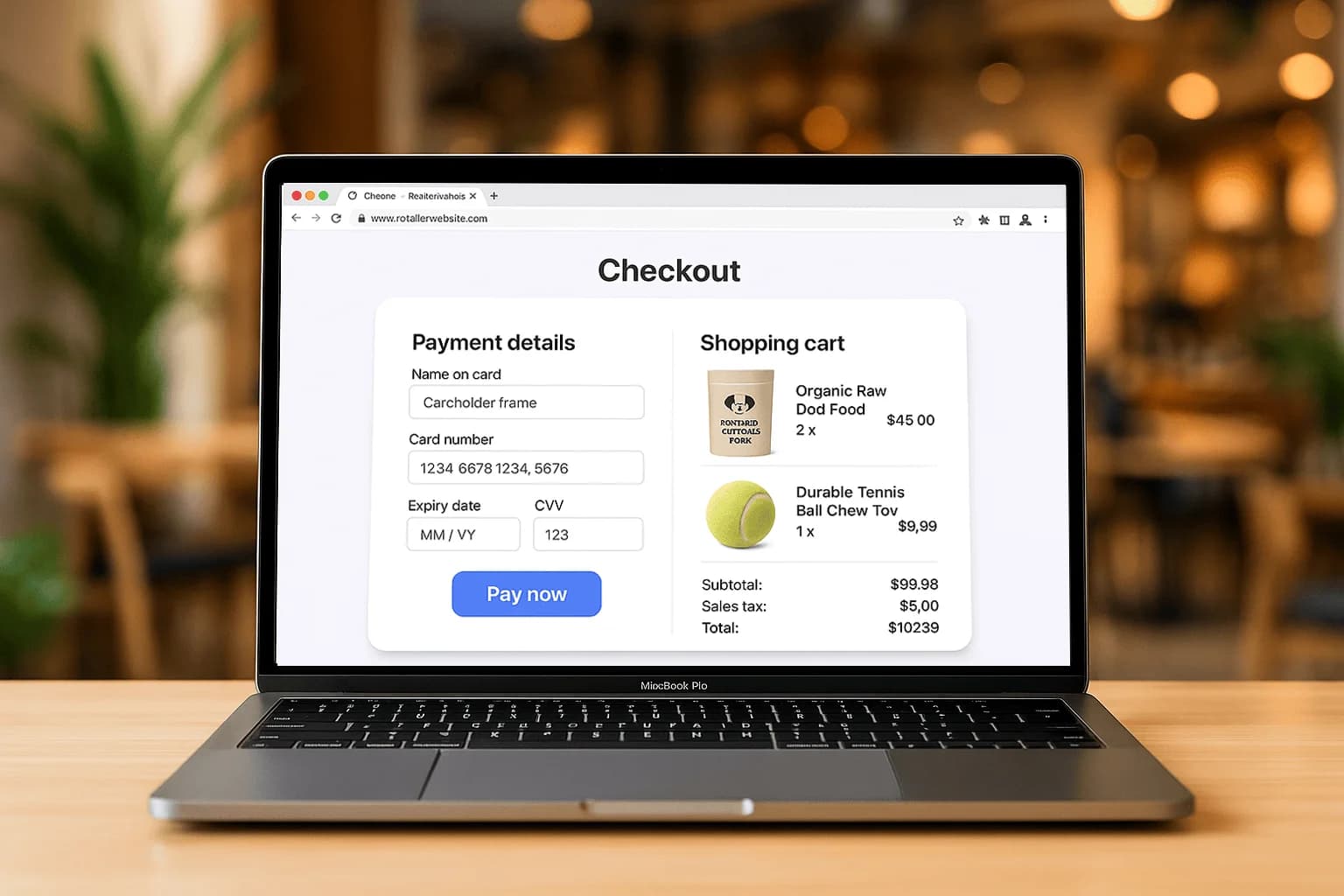
How a virtual terminal works
You log into a secure web page, type in the card number, expiry and amount, and submit. The payment is authorized and funded just like a tap at the counter. Because it runs in a browser, it works on any laptop, tablet or phone with internet.
Who should use one
Virtual terminals shine for phone and mail orders, service businesses that invoice, trades collecting deposits, and anyone taking the occasional remote payment. If your customer isn't standing in front of you, this is the fastest way to get paid.
Staying secure with card-not-present
Keying a card is card-not-present, so use the built-in fraud tools: address verification (AVS), CVV checks and a customer vault for repeat buyers. See card-not-present fraud prevention for the full playbook.
Getting started
A virtual terminal is included with Armour Payments online accounts and can be live the same day. Learn more on online payments or book a demo.