Why cash boxes fail now
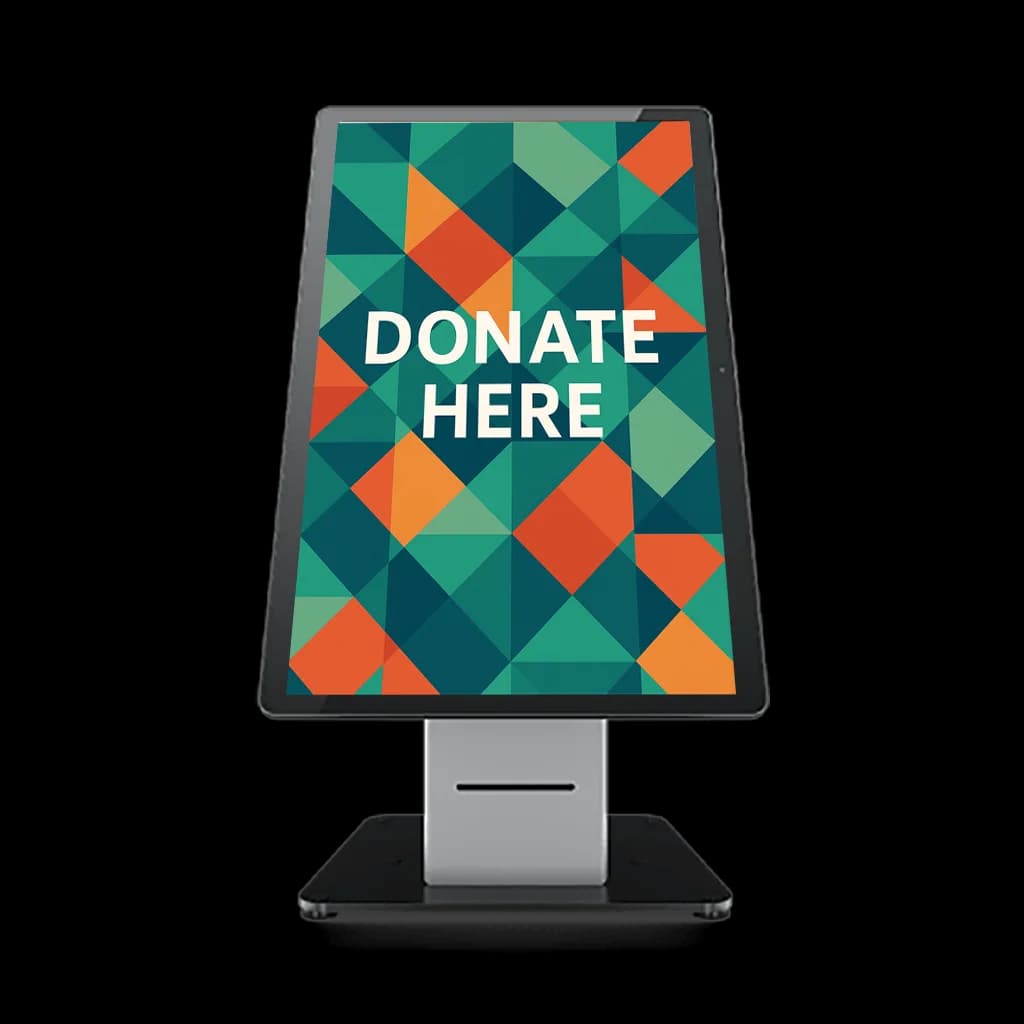
Canadian charity and nonprofit directors and fundraisers add donation kiosks when guests want to give and no longer carry cash. Fewer people carry cash, so the traditional donation box increasingly sits empty at the end of a night. Guests want to give. They reach for a wallet, find cards and a phone, and walk past the box. A donation kiosk meets them with a tap of a card or phone and removes the "I have no cash" barrier. The screen should show a few clear amounts, take the tap, and store the gift with an email so a receipt can follow. A locked box that asks someone to come back with bills asks them to remember a feeling they already had on the way out.
Where kiosks work
Place donation kiosks where people already pause: event entrances, lobby doors after a speech, checkout counters that offer a round-up or a fixed amount, and partner stores that have agreed to host one. The placement matters as much as the hardware. A screen in an empty corner gets walked past. A screen beside the coat check, with suggested amounts and a single tap, lets a donor finish while they are already stopped. That is what lifts participation. The average gift follows when the amounts on the screen match gifts you already receive, rather than a long list that makes people hesitate and step out of line.
Set it up
GiveTree by Armour Payments offers donation kiosks that record the gift on the spot and can send automated tax receipts from that record. You choose the preset amounts, the program line on the screen, and the receipt text. The kiosk sends the receipt you stored. It does not decide what your charity may claim. Confirm that wording with your advisor, then run one card tap, one phone tap, and one declined card before guests arrive. See the full giving setup on donations or book a demo and watch a test gift produce the email a donor would actually get.
The lobby ten minutes after the speeches
Picture the lobby ten minutes after the speeches, coats in hand and a cash box with two bills in it. A donation kiosk by the door shows three amounts and one line about the program. A guest taps a phone, picks the middle amount, and is outside before the next person steps up. Nobody copies a paper slip.
The gift is stored with an email address, so a receipt can leave without a volunteer at a laptop. Put the kiosk where the line already pauses. That is the same placement judgment as contactless donations, with one difference: this screen has to finish the gift alone. If it asks for a mailing address, people will walk past it and the cash box stays the only thing they notice.
Eight buttons will stall the doorway
Eight preset amounts, a custom field, and a required mailing address will stall a gala line. People are holding coats. They will not complete a form on the way out. Use three presets and one custom amount, then watch one real guest finish a gift before doors open. If they hesitate, cut a field.
Test with a glove on if the event is in winter. Do not ask a staff member to retype the gift into a second system after the tap. The tax receipt should come from the kiosk record, and your advisor should confirm that text before the first guest arrives. If the kiosk shares a counter with ticket sales, read the counter notes on in-person payments so the two lines do not block each other.