Generosity is spontaneous
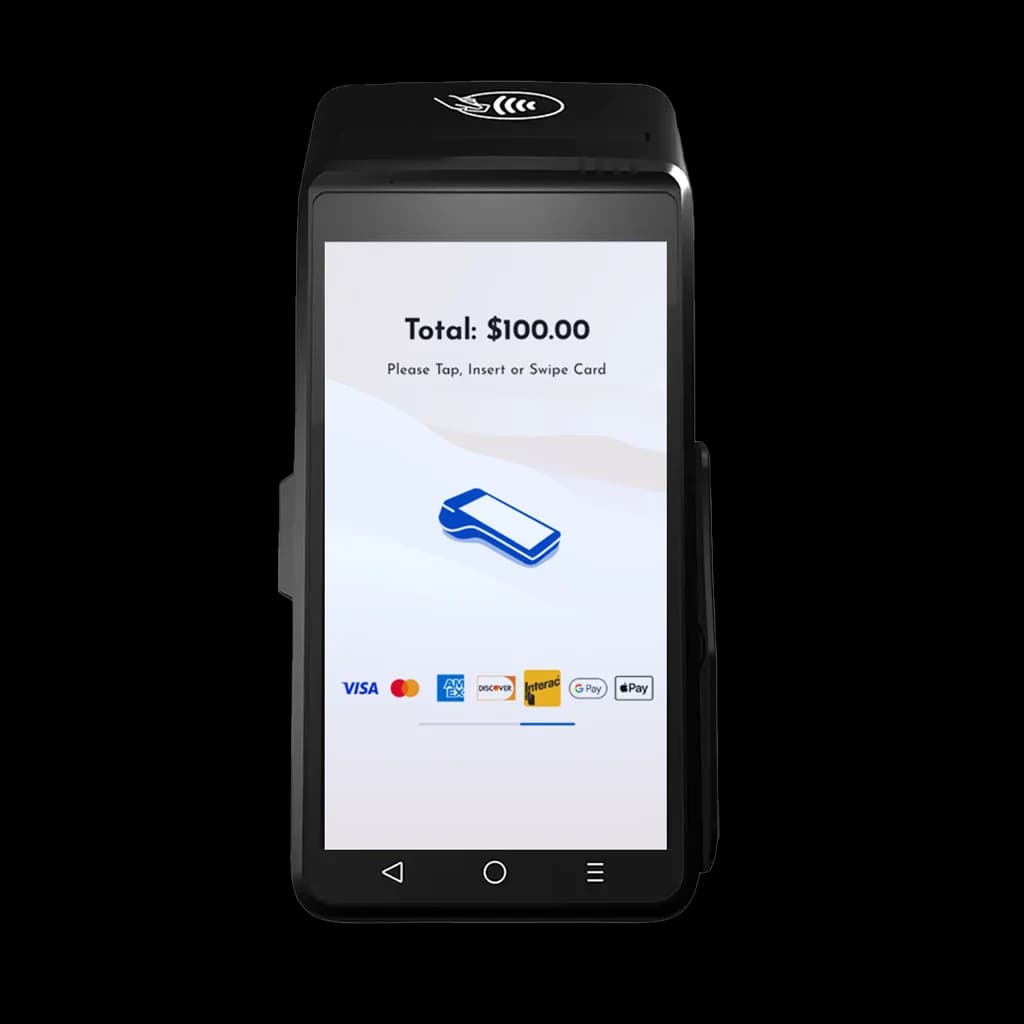
Canadian charity and nonprofit directors and fundraisers rely on contactless donations when a tap can catch a gift that a cash box misses. Much giving is impulsive. It happens at an event, in front of a display, or right after a compelling story, and it fades if the person has to go find cash or a form. Contactless donations capture that impulse with a single tap of a card or phone. The terminal has to be awake, in the place people already pause, with a preset amount they can understand in a second. If the only tool nearby is a cash tin, the people who carry only a phone walk on. The tap should store the gift so a receipt can follow without a volunteer copying a slip.
Where tap-to-give wins
Events, churches, museums, and street fundraising all have a short moment when someone is willing to give and will not fill out a form. Preset amounts on a kiosk or a handheld terminal mean a donor goes from inspired to donated in seconds. Put the device where the line already stops, such as a doorway or the end of a tour, and keep the cash tin for people who still have bills. An open enter-anything field slows a brief visit. Three amounts and a tap beat a blank screen. Count the taps at the end of the day so you can see what the contactless option actually collected.
Set it up
GiveTree by Armour Payments supports contactless giving across kiosks and handheld terminals, and it can email a receipt from the tap. You store the preset amounts and the receipt text before doors open. The terminal sends that text. It does not judge whether the wording is right for your charity. Confirm it with your advisor, then try a tap with your own phone so you see the email a donor would get. A declined card should fail clearly, without a volunteer retyping the gift into a second system. See donations or book a demo.
Saturday at the museum door
On a Saturday when the cash tin had been empty for weeks, the museum put a handheld terminal at the entrance. A family stopped at a display, heard a one-sentence ask, and tapped a phone for a preset amount before the gallery. The gift happened because the terminal was already awake, not because someone went looking for a volunteer with a clipboard.
The email receipt followed from the same kind of record used for kiosk gifts. If your advisor requires specific receipt wording, confirm it before the doors open. The terminal sends what you stored. It does not judge whether that wording is right for your charity. See the in-person flow on donations, and try it with your own phone at a demo.
A cash tin and a tap terminal in one doorway
For one afternoon the museum doorway held a cash tin and a tap terminal side by side. People with bills still used the tin. People with only a phone walked past the tin and stopped at the terminal when the amount was obvious. Preset amounts beat an open enter-anything field when the visit is short.
Keep the tin for guests who want cash. Do not run the two as separate spreadsheets at the end of the day. A connected terminal can feed the same donor list as your donation pages. Compare the tap count with the cash counted, and leave the terminal where people already pause. Setup notes for the counter live on in-person payments.