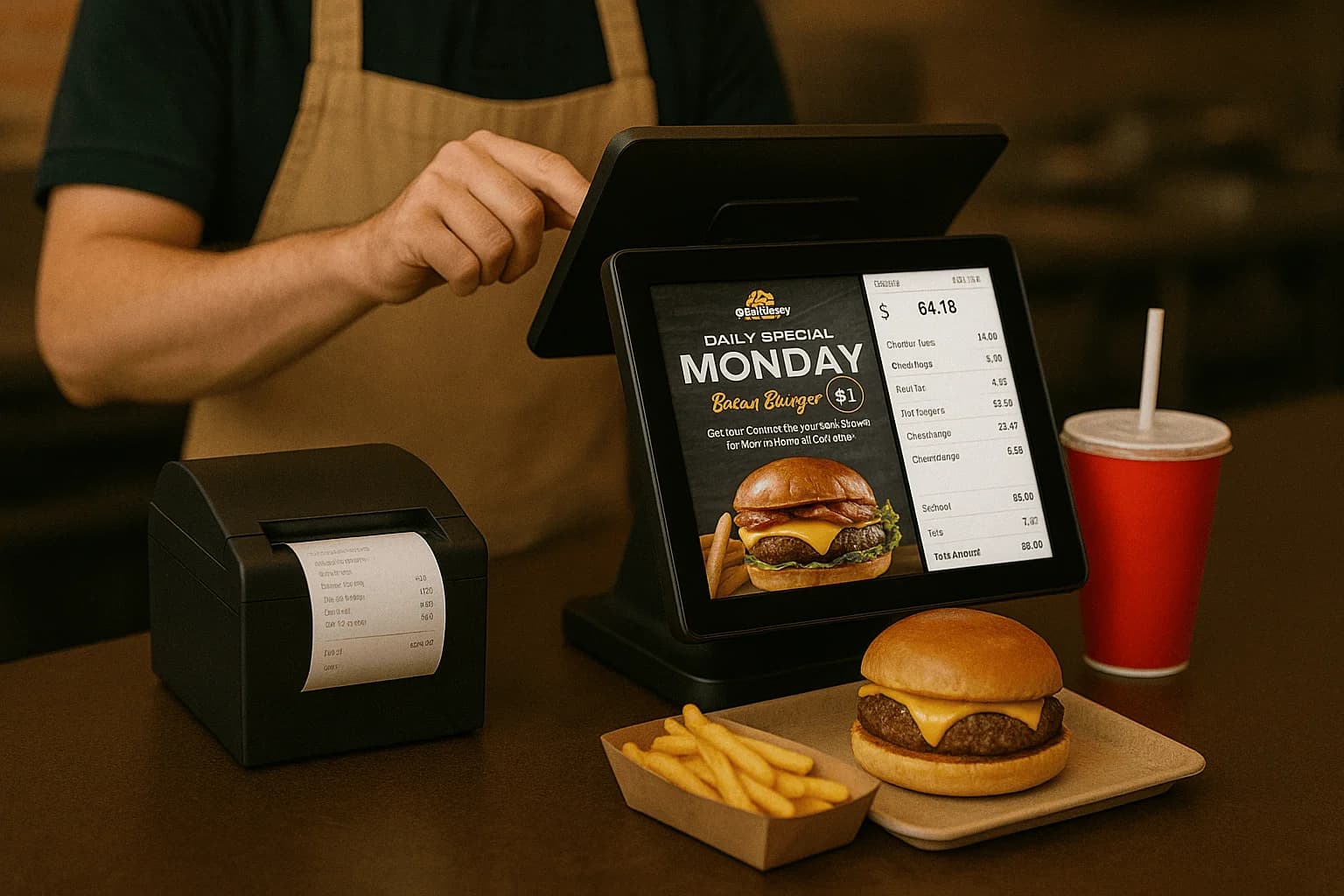
QSR: every second counts
Quick-service thrives on throughput. Configure fast modifier screens, combos, self-order kiosks, and the quickest possible payment step. The goal is to get an accurate order to the kitchen and the guest paid in seconds.
Full-service: hospitality first
Full-service restaurants need table management, coursing (fire apps then mains), easy split checks, and pay-at-table. The POS should support the rhythm of a sit-down meal, not rush it.
Hardware follows the model
QSR leans on counter terminals and kiosks; full-service leans on handheld wireless terminals for tableside. Match the hardware to the flow so staff aren't fighting the tools during a rush.
One platform, two configurations
Caviar by Armour Payments adapts to either model, and hybrids (fast-casual) in between. See restaurant POS or book a demo to configure for your concept.