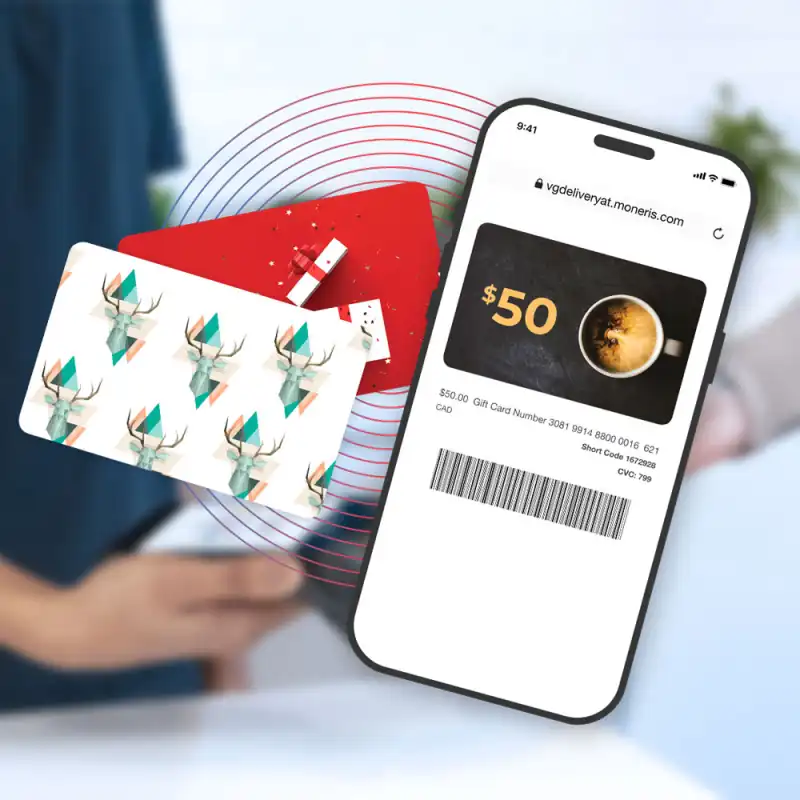
Days 1-2: Set up and decide format
The first two days are decisions, not a design project. Activate the program, set the amounts you will actually sell, and write the rule staff can say in one sentence. Choose digital, physical or both before you order anything. Turn digital cards on immediately. They need no printing, so you can sell an eGift while the plastic is still being made. Do not wait on a logo to take the first digital sale. Pick denominations a closer can remember, not a long menu. Confirm the card has no value until it is paid for. Canadian restaurant and retail owners should launch gift card program setup in these two days, with digital cards selling before plastic is ordered.
Days 3-4: Design, train, display
Mid-week is when the program leaves the office. Order physical cards with your name on them, but do not hold the digital sale for that delivery. Train every closer, not only the manager, to sell a card and to redeem one against a ticket. A Tuesday lesson that never reaches Saturday night is not training. Build a display at the checkout, where the line looks, and add a buy-a-card link where the site already takes payment. Buying has to be obvious in the store and on the site, or customers will not ask for a product they cannot see.
Days 5-7: Promote and go live
The last days of the week are for telling people the cards exist. Say it at the counter, in one email, and on the channels you already use. A plain "gift cards are available" message is enough, especially if a holiday or a local event is close. You are not launching a brand campaign. You are pointing at the rack and the link you placed mid-week. Use the holiday playbook only if that peak is already on the calendar. Otherwise, go live and take the first real sale before you add a promotion.
Keep momentum
A launch week does not keep selling itself. Track how many cards go out and how many come back, and mention them again when the till is quiet and when a gifting moment is coming. Re-promote on a normal week, not only in December, or the rack becomes decor. Armour Payments programs start at $35 a month and can be live quickly, which is only a bargain if cards are actually offered. See pricing for the fee, or book a demo and include the selling step in setup, not as homework after.
A seven-day sequence you can tape to the wall
Day one is rules and denominations. Day seven is the first real sale, not another planning meeting. Days one and two: turn the program on, choose amounts, and enable digital cards so you can sell before plastic arrives. Days three and four: order the physical design, train every closer on sell and redeem, and put a display at the till plus a link on the site. Days five through seven: say, in the store and in one email, that cards exist. Use the holiday playbook only if a peak is already on the calendar. Do not wait on artwork to sell the digital card. The week only works if digital or physical can start producing the cash in gift cards 101 before the month ends. Pricing starts at $35 a month.
Training the manager and forgetting the closer
If only one person knows how to sell and redeem, the program stops when that person is off. Saturday closers see the impulse buy and the guest paying with a card they were given. A manager who learned the portal on Tuesday does not help at 6 pm if the closer never saw the buttons. Train every shift on three actions: sell a physical card, explain a digital card, and redeem either one against a ticket. Put the rack where that closer stands, not in the office. Match the script to what you enabled in digital versus physical cards. Book a demo and have the Saturday closer, not the owner, click through a sale. If they need help, you do not have a one-week launch. You have a setting that went live in a dashboard and nowhere else.