Why currency matters at checkout
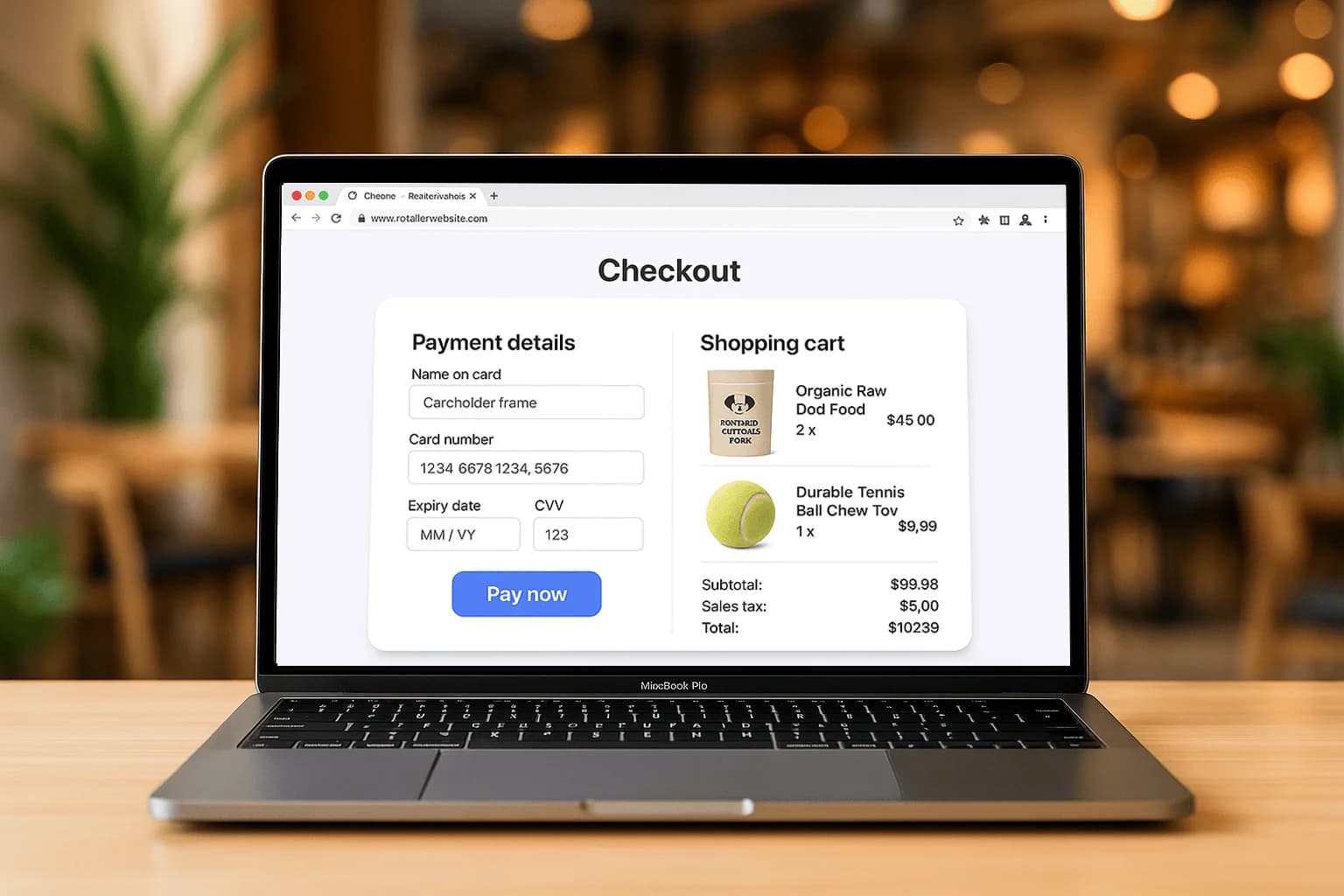
Shoppers move through checkout more easily when prices are in their own currency. A US buyer staring at a Canadian cart has to translate every line, and a bank FX charge on the statement can land as a second surprise. Showing USD on that storefront, while you still settle in CAD, removes that mental math. Present the full price in the currency you advertised, shipping included, before the pay button. Local-currency pricing builds trust and helps more people finish the order. You still need to know who converts the money. The buyer needs to see the amount they are about to approve.
How conversion and settlement work
When you sell across borders, currency conversion happens somewhere, at the network, the processor, or the customer's bank. Where it happens, and at what rate, decides your true payout. Understand that before you advertise a price in USD. Settling in your home currency keeps accounting simple while buyers still see local pricing. Pull one real US-dollar order and compare the amount they approved with the amount that reached the bank. A test sale in Canadian dollars hides the conversion. Refunds need the same currency treatment as the original charge, or the books will not match. Write down where that first conversion sat.
Accept the right payment methods
Different regions favour different cards and wallets. Supporting major international cards plus Apple Pay and Google Pay covers most cross-border buyers coming to a Canadian store from the US and beyond. Confirm the gateway handles the currencies and methods those markets use before you publish the prices. Online Interac is a domestic rail, so a US card needs the international cards and wallets, not that debit path. Wallet buttons still help someone paying on a phone. In-person sales to visitors are a separate reader question. On the site, match the methods to the currency you decided to show.
Expanding from Canada
Armour Payments operates in Canada and the US and supports multi-currency acceptance for cross-border sellers. List the currencies you will actually offer, confirm the store can display them, and check the first USD payout against one real order before you advertise widely. The billing descriptor should be a name the buyer recognizes, even when your legal name looks unfamiliar on a US statement. See online payments or contact sales to map the price currency, the settlement currency, and who converts. Start with one market, the cards and wallets those buyers use, and a payout you have already matched to an order.
An order from Texas priced in Canadian dollars
A buyer in Texas saw the cart in Canadian dollars, tried to convert it, and left when the bank FX line was a surprise on top of the total. Showing USD on that storefront, while you still settle in CAD, takes the mental math out of the cart. You still need to know where conversion happens, at the network, at the processor, or at the buyer's bank, because that place sets your true payout. Do not add a second international fee at the last step. The full price, in the currency you advertised, has to be visible early, which is the same rule as in high-converting checkout design. Wallet buttons still help a cross-border shopper on a phone. Map the currencies you will actually offer on online payments before you publish them on the storefront.
What to check on the first US payout
Pull one real US-dollar order and compare the amount the buyer approved with the amount that landed in the bank. A test order in Canadian dollars does not answer this. Note the rate you expected and the rate you got, and write down where the conversion sat. Refunds have to follow the same currency logic or the books will not match the original charge. The descriptor should still be a name the buyer recognizes, even if your legal name is Canadian and unfamiliar. Confirm the gateway accepts the cards and wallets those buyers use. Online Interac is not the rail a US card will ride. If you also sell in person to visitors, that is a separate device question. Contact sales to list currencies before you advertise them, and confirm the store plugin on integrations.